A server that never sleeps, for $0 a month
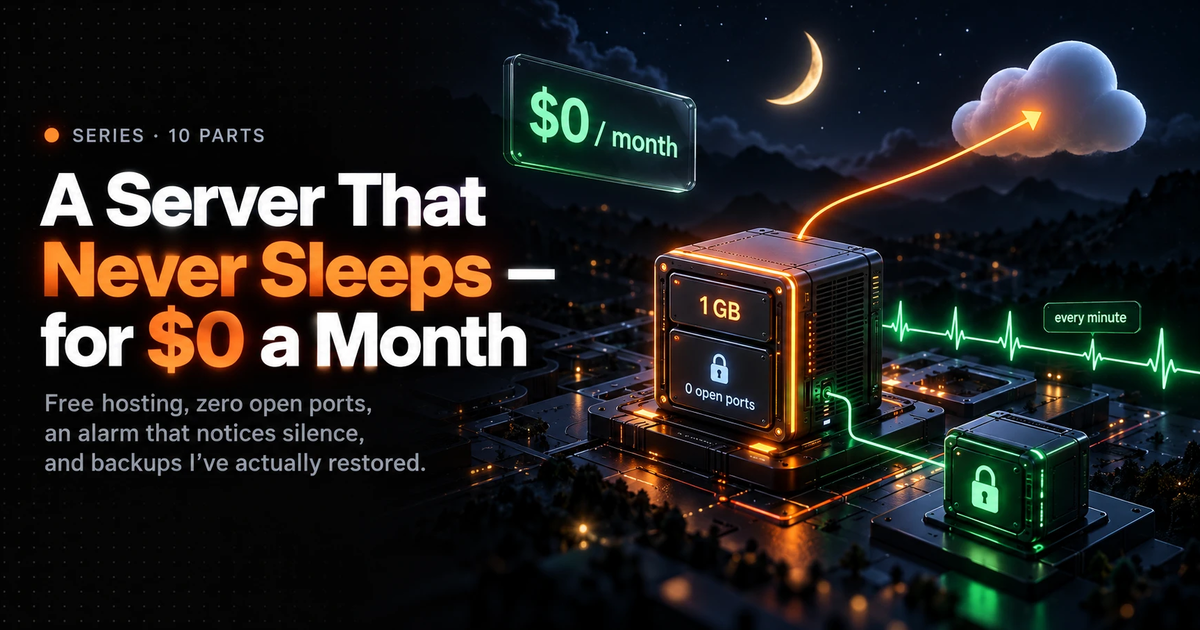
An API with jobs that must run every minute, forever — hosted for $0 a month from India, with no open ports, an alarm that notices silence, and backups I've actually restored. The whole setup on one page.

Subhankar Denria
Software Architect · Product Engineer
I'm building Lampsill, a safety app for people who live alone. The phone notices when its owner has gone unusually quiet, and if they don't respond, it starts contacting the people they chose — gently at first, then more firmly. That "move the alert along" step happens on a server, and it has to happen every minute, forever. If it stops, nobody is checked on, and nothing looks wrong — a stopped server looks exactly like a quiet night.
This series is how I host that server for $0 a month, set up entirely from India, and how I made sure I'd know if it ever stopped. It's written for someone who has never run a server. If you have, the "Why" lines and the traps are still worth a skim — several of them cost real money when missed.
If you're a founder deciding whether a $0 server can be trusted with something that matters, the five ideas below and the traps in Part 9 are the ten-minute version.
- Time
- About three hours, over a day or two
- Cost
- $0 a month
- What's at stake
- A stopped server looks exactly like a quiet night
What we end up with
Phone app
calls the API
You, anywhere
the browser SSH button
Cloudflare
api.example.com · HTTPS · rate limit
Google's SSH relay
port 22, and only from here
Google Cloud · one e2-micro · Iowa
$0 / monthnginx
the web server · 127.0.0.1 only
Laravel API
the app itself · runs as its own user
Postgres
the database · localhost only
Every minute
two jobs run, then say "I'm alive"
Every night · 02:30 UTC
encrypted database backup
healthchecks.io
emails me if the pings stop
Cloudflare R2
30 nights of encrypted backups
Lampsill API · hosting
per month · as of September 2026
- Google Cloud e2-micro$6.11/mo$0An always-on Linux computer · 2 shared CPUs · 1 GB memory · 30 GB diskFree-tier credit
- IPv6 address$3.65/mo$0The server's internet address. No IPv4 at allAvoided
- Laravel · PHP 8.5 · Postgres 18$0The API and its database, on the same machineOpen source
- Cloudflare Tunnel$0A public HTTPS address without opening a portFree
- Cloudflare rate limiting$0Turns away anyone flooding the APIFree · 1 rule
- healthchecks.io$0Emails me if the every-minute jobs stopHobbyist plan
- Cloudflare R2$0An encrypted copy of the database, every nightFree · to 10 GB
Card on file · budget alert emails me at ₹50 (under $1)
the day anything starts costing money
The ideas that make it work
If you remember nothing else from this series, remember these five:
- 1"Free" has to mean "never sleeps". Most free hosting pauses your app when nobody is visiting. For a job that runs every minute, that's fatal — and silent. (Post 1)
- 2The free tier is free only inside its lines. One machine type, three US regions, one disk type, no public IPv4, and a paid (not trial) billing account. Step outside any line and it bills — quietly, for 90 days, while the sign-up credit hides it. (Posts 2–4)
- 3No open doors. The server has no web ports open to the internet at all. It dials out to Cloudflare, and Cloudflare sends visitors back down that line. You log in through Google's own relay. (Posts 3 and 6)
- 4Something outside must notice silence. A monitor on the same server dies with it. An outside service that expects a ping every minute is the only thing that can tell you the server is gone. (Post 7)
- 5A backup you haven't restored is a belief. Backups are encrypted before they leave the server, stored with a different company, and I've restored one to prove it works. (Post 8)
What you need before you start
- A Google account you'll keep, with 2-step verification.
- A credit card that supports recurring payments (Indian cards: one that allows an RBI e-mandate — explained in post 2). It won't be charged, but Google requires it, and it's what keeps the free server running past day 90.
- A domain on Cloudflare (the free plan is fine). In the examples I write
api.example.com— put your own domain where it appears. - A laptop with PHP and Composer, to build the app before uploading it (post 5 explains why the server can't).
- About three hours, spread over a day or two. Most of it is reading and waiting, not typing.
You do not need to know Linux well. Every command is given in full and explained.
How the series is laid out
Each post has the same shape:
- Purpose — what the step achieves, in one or two sentences.
- The steps, with the exact setting for every field, and a Why for each one. The why is what lets you adapt when the screen looks different.
- What went wrong — the real mistakes I made or nearly made, so you don't.
- What you should see before moving on.
Written by
Subhankar Denria
Software Architect · 25+ products shipped